
Introduction
In today’s digital world, protecting your privacy online isn’t just a luxury, it’s a necessity. Whether you’re browsing on your phone, shopping on your laptop, or chatting with friends on social media, you’re leaving behind a trail of data. The question is, who’s watching, and more importantly, who’s collecting that data?
If you’ve ever had an ad pop up for something you just searched for, or seen your data breached in a hack, you already know how quickly things can spiral out of control. But don’t worry, there are steps you can take to secure your privacy online. Let’s break it down simply, so you can take action now.
Why Does Online Privacy Matter?
Imagine this: You’re shopping online, and while browsing, you add a few items to your cart. You don’t buy anything, but the next time you open a different website, BAM, ads for the exact same items pop up. Weird? Not really. Welcome to the world of tracking cookies.
Every website you visit, every search you make, every like or share you post feeds into this growing pool of personal information. And while some companies use it for good, like personalizing your shopping experience, others may sell your data to advertisers or even worse, hackers.
Step 1: Use Strong, Unique Passwords
The simplest and most common way hackers gain access to your accounts is through weak or reused passwords. You wouldn’t leave the door to your house unlocked, so why leave your online accounts vulnerable?
Start by using long, complex passwords that combine uppercase and lowercase letters, numbers, and symbols. And no, “password123” doesn’t count! Consider a password manager to help you generate and store secure passwords.
Here’s a quick tip: If you’re using the same password across multiple sites, you’re essentially giving hackers a free pass. A breach at one site can lead to them unlocking all of your other accounts.
Step 2: Enable Two-Factor Authentication
Two-factor authentication (2FA) is like adding a deadbolt to your online door. Even if someone gets hold of your password, they’ll need a second piece of information, like a code sent to your phone or an authentication app, to log in. It’s one of the easiest, most effective ways to add an extra layer of protection to your accounts.
For example, if you use Google, Facebook, or any major service, you can turn on 2FA in their security settings. Trust me, you’ll sleep better knowing that your data is locked up tight.
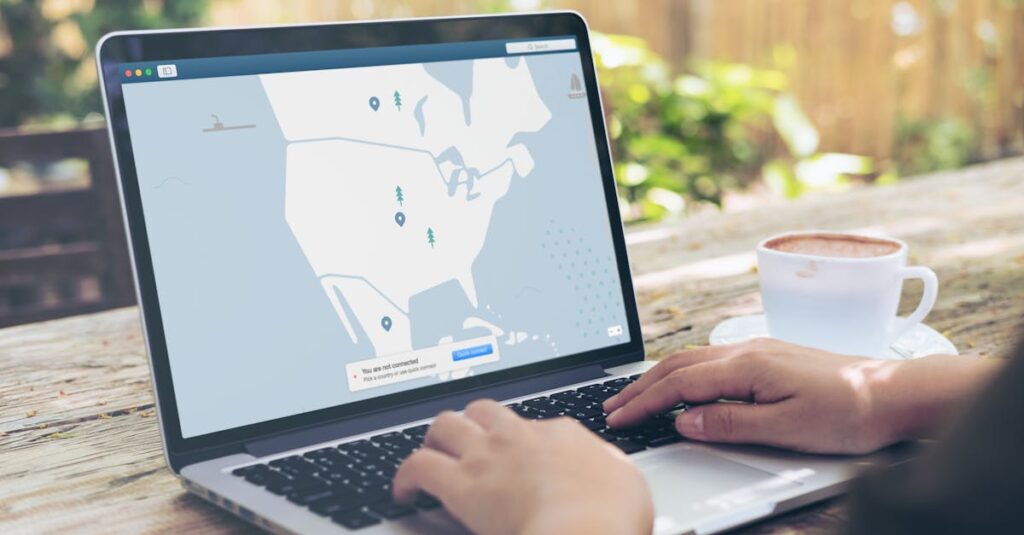
Step 3: Protect Your Browsing with a VPN
When you’re browsing on public Wi-Fi (say at a coffee shop or airport), your internet connection can be easily intercepted. That’s like sending postcards instead of sealed envelopes, anyone nearby could potentially read your messages.
A VPN, or Virtual Private Network, encrypts your connection, ensuring that no one can snoop on your online activities. It also hides your IP address, making it harder for websites to track your location and behavior.
While a VPN isn’t a cure-all for privacy issues, it’s a solid first step for securing your connection, especially on unsecured networks.
Step 4: Use Private Search Engines
We’ve all gotten used to using Google as our go-to search engine, but did you know that Google tracks your searches and ties them to your account? If you’re trying to maintain your privacy, using a search engine that doesn’t track you is a no-brainer.
Options like DuckDuckGo or StartPage don’t store your search history or build a profile on you. When you search for something on these engines, it’s like you’re starting with a clean slate every time.
For example, let’s say you’re planning a surprise gift for someone, and you don’t want them to find out by seeing ads for it. A private search engine would help keep your gift-buying plans private, without the constant reminders popping up everywhere you go.
Step 5: Be Mindful of Social Media
Social media is fun, no doubt. But every post, like, and share is more personal information added to your online footprint. And those profiles you’ve set to “private”? They’re not as private as you think. Even with strict privacy settings, data can still be shared or hacked.
Start by reviewing your privacy settings on each platform. Are you comfortable with strangers seeing your posts? Do you really need to share your location? Are your photos set to public by default?
Also, think before you post. A seemingly innocent comment or picture could give away more than you realize. So, before you share, ask yourself: Who could potentially see this, and could it harm my privacy in any way?
Step 6: Secure Your Devices
Your phone, laptop, or tablet is your personal gateway to everything online. So, if these devices aren’t secured, neither is your privacy. Make sure you have passwords, PINs, or biometric authentication (fingerprint or face recognition) set up for each device.
Also, keep your software up to date. Manufacturers regularly release patches to fix security vulnerabilities. Skipping updates is like leaving your house’s doors wide open at night.
Conclusion
In the end, protecting your privacy online isn’t just about knowing what to do, it’s about doing it consistently. Sure, it might feel overwhelming at first, but making these changes one step at a time will help you build a strong, invisible shield around your personal information. Think of it as putting your favorite coffee mug in a locked cabinet. You don’t have to guard it with your life, but you sure don’t want anyone casually walking off with it.
So, take a deep breath and start with one step today, change your password, set up two-factor authentication, or try a new search engine. The more you protect your online privacy, the more you’ll feel in control of your digital life. After all, your data belongs to you, not to someone else.